Data · Airtime · Bills
Buy data in
three taps.
A hundred apps sell the same data at the same price. Kyma is the one that doesn't make you fill in a form to get it.
- 4
- networks
- 3
- taps to buy
- 0
- ads, ever
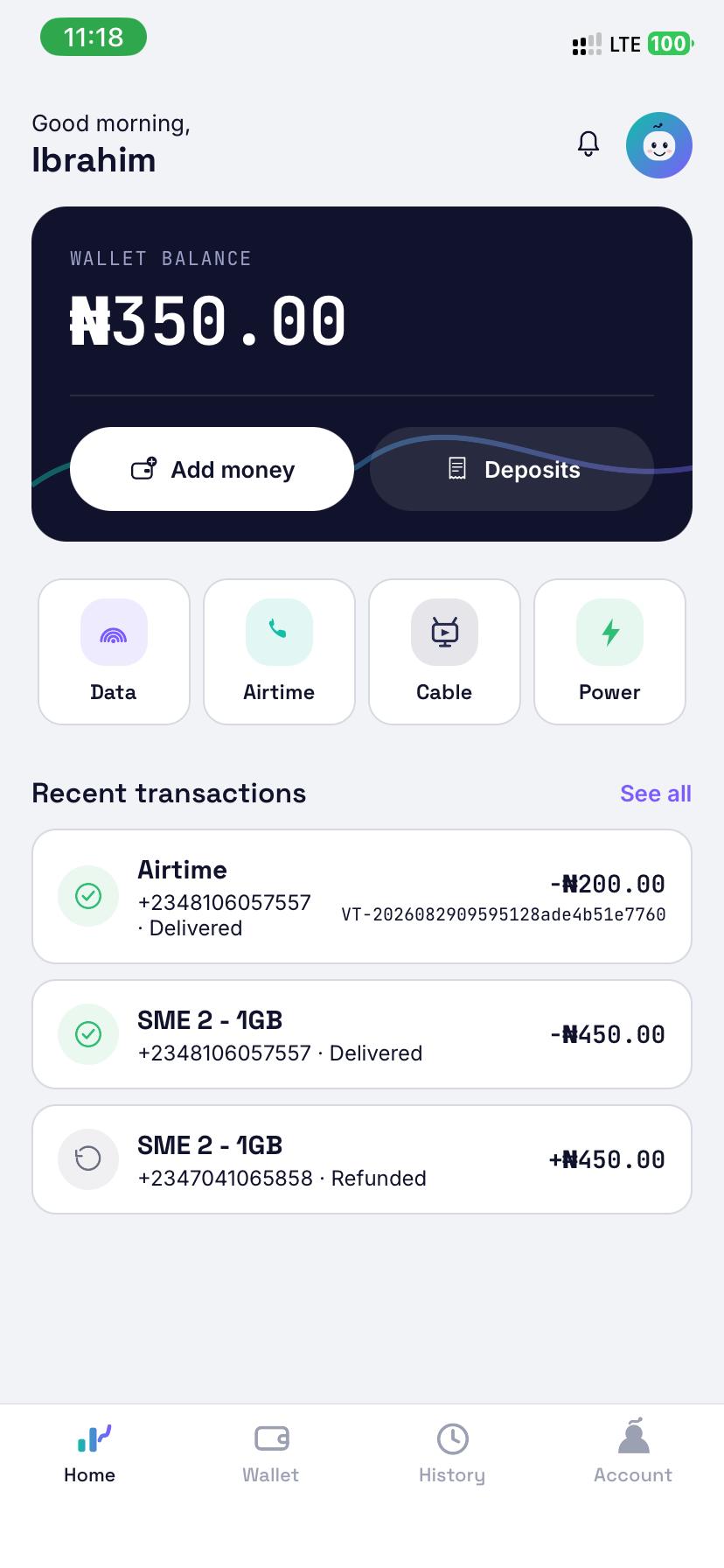
Three steps. That's the whole thing.
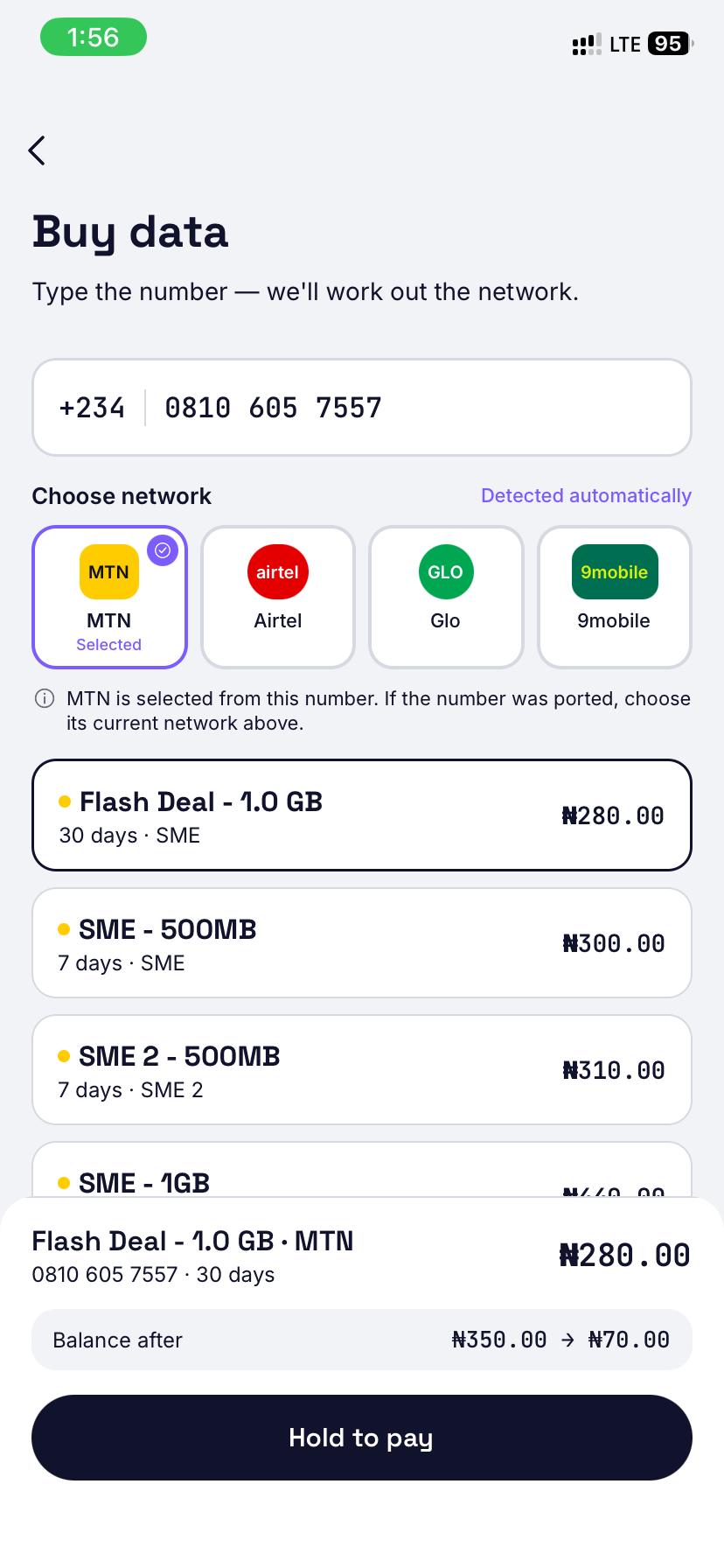
Type the number
The network is worked out for you as you type.
Pick a plan
Live prices, straight from the network. Nothing stale.
Hold to pay
One deliberate hold, then your PIN. Done.
The product is the same. The app isn't.
Everyone resells the same bundles through the same networks. So the only things left to compete on are speed, trust, and how little the app asks of you.
It knows the network
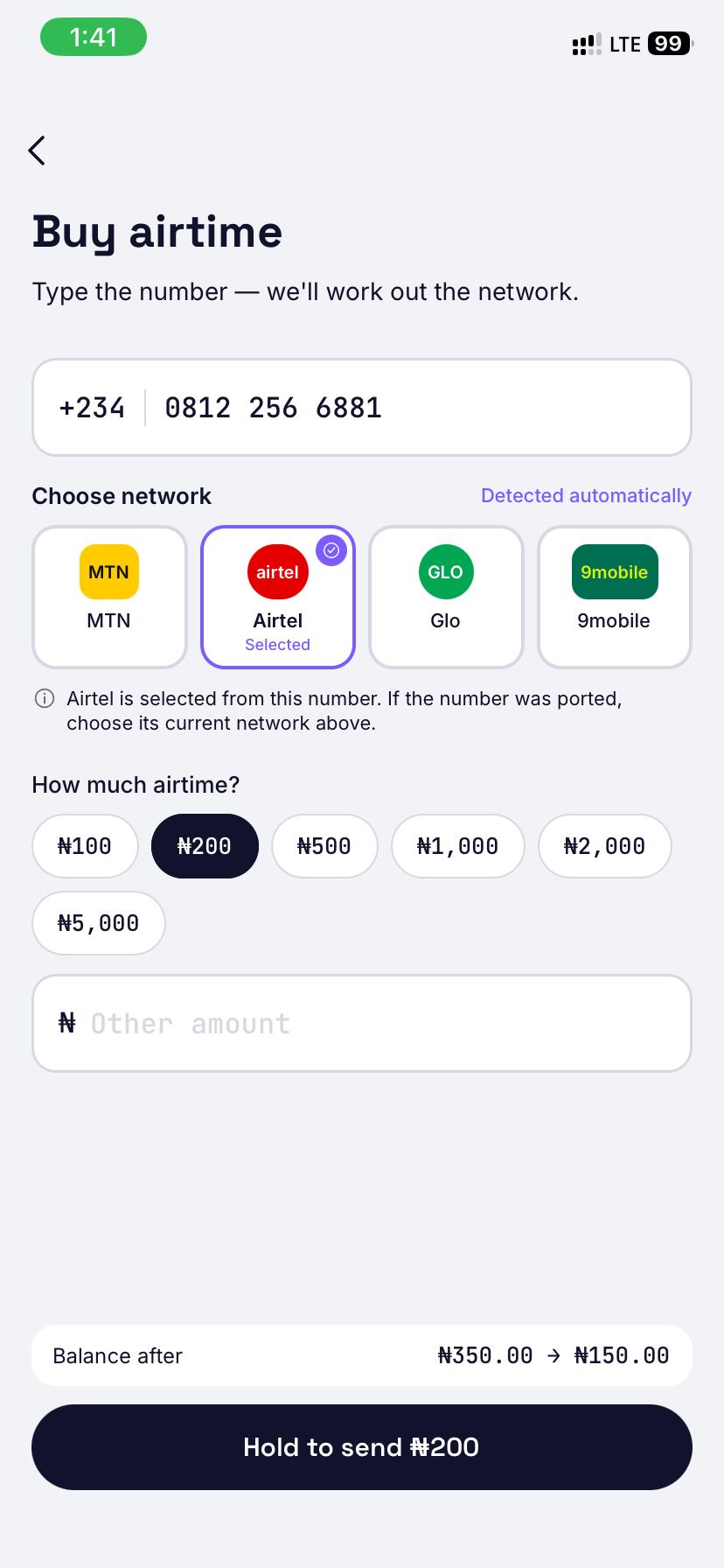
Type a number and Kyma works out MTN, Airtel, Glo or 9mobile on its own. Ported line? Change it with one tap — nothing is locked in.
One hold, not four screens
No confirm dialog, then a PIN screen, then a summary. Hold the bar, see your balance before and after while you hold, and let go.
Money in without leaving
Pick an amount, get an account to transfer to, and the balance updates the moment it lands. No copying numbers into a banking app.
Nothing competing for attention
No ads, no banners, no promos. The home screen shows your balance, four things you can buy, and what you bought last.
It's a money app, so it behaves like one.
Kyma locks the moment you leave it. Getting back in needs your fingerprint or 6-digit login PIN. Paying needs a separate 4-digit transaction PIN even when the app is already open — so a phone left on a table is still just a phone.
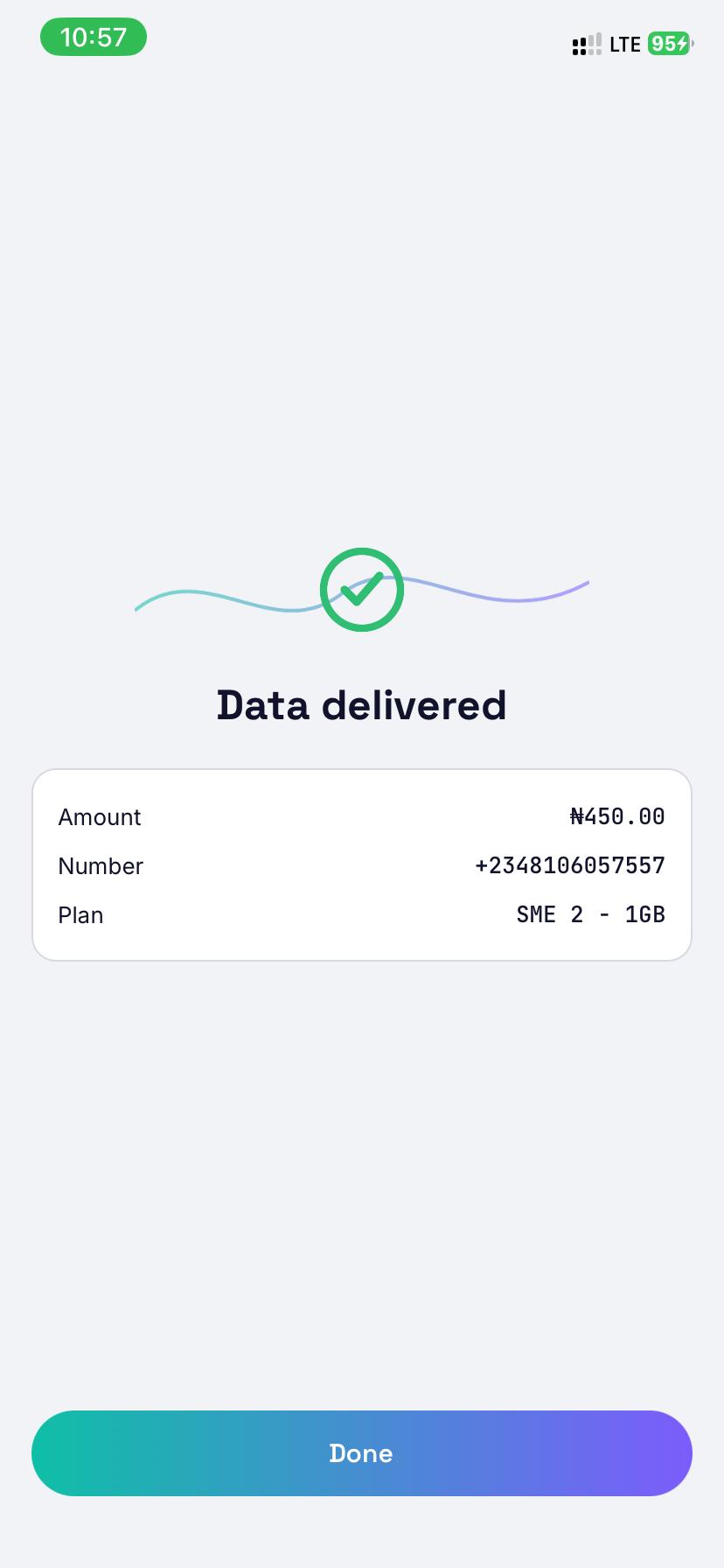
If a purchase fails, the money comes straight back. If the network hasn't said either way yet, we hold it and keep checking instead of guessing.
Questions
Which networks work?
MTN, Airtel, Glo and 9mobile — data and airtime on all four. Cable TV and electricity are next.
How do I put money in?
Choose an amount in the app and you get an account number to transfer to. Your balance updates as soon as the transfer lands.
What happens if a purchase fails?
Your money goes straight back to your wallet. If the network hasn't confirmed either way yet, we hold it and keep checking rather than guessing — you are never charged for data you didn't get.
Is it secure?
Kyma uses your fingerprint or 6-digit login PIN to unlock. Payments require a separate 4-digit transaction PIN.
Coming to Android and iPhone
Kyma is in final testing. The store listings go up the day it ships.